Home builder · Free · No signup
Draw it to the inch. See it in 3D. Send it to the team that builds it.
A place to work out the home you have in mind, from the first wall to the room schedule.
Edit on a tablet or computer. Explore in view mode on your phone.
Apex Works · California licensed contractor · CSLB #1144953.
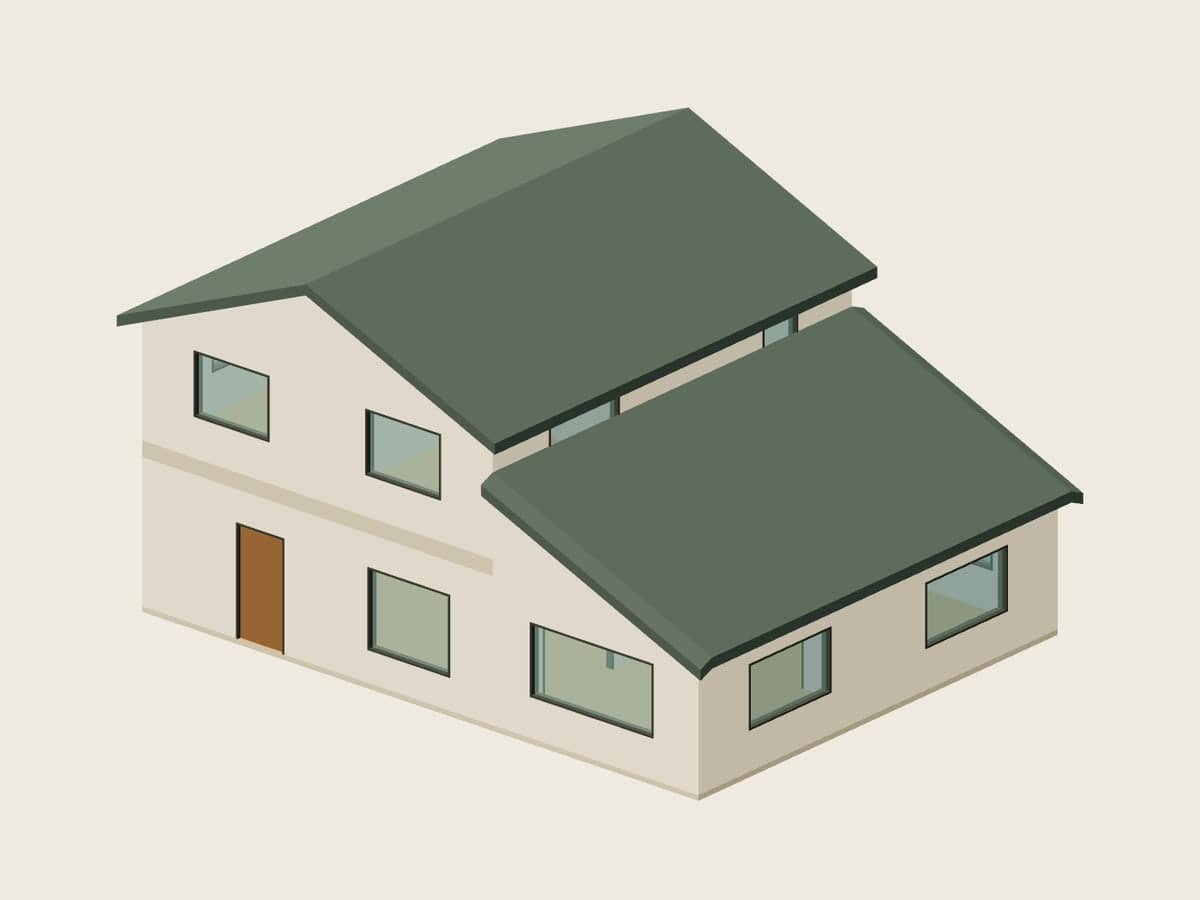
One home, three looks. Press G to switch.
Two-storey sample plan · Live procedural model
One model, three looks.
Switch the view as you work. The walls, rooms and dimensions stay the same.
Blueprint
Read the structure and the spaces between it.
Realistic
See light, surfaces and the shape of your home.
Voxel
Explore the same house with a block-built look.
From an idea to a plan.
Start with a room. Keep drawing until the spaces work together.
1. Draw
Place walls, doors and windows with dimensions in inches.
2. Stack
Add a floor, connect it with stairs and shape the roof.
3. Measure
Name your rooms and check their areas in the live schedule.
4. Send
Share a link or send the plan to Apex with your project details.
Work through the possibilities.
For developers
Compare an early layout and floor area before starting a site-specific feasibility conversation.
For builders
Give a client a clear plan to discuss. Bring dimensions, levels and the room schedule into the same conversation.
For homeowners
Try the extra room, a different doorway or a second floor. Send a drawing that explains what you mean.
Built by builders.
A planning tool from Apex Works. Explore our published projects and ADU plans, then bring us your own idea.
Completed project photography
La Jolla Whole-House Remodel
La Jolla, CA · Whole-home remodel
Concept visualization
North Park Rear Addition
North Park, CA · Addition
Explore the Apex ADU plans.
See the ADU catalog- The 6001 bed · 1 bath · 600 sq ft
- The 6401 bed · 1 bath · 640 sq ft
- The 6901 bed · 1 bath · 690 sq ft
- The 8002 bed · 2 bath · 800 sq ft
- The 10002 bed · 1 bath · 1,000 sq ft
- The 12002 bed · 2 bath · 1,200 sq ft
ADU catalog model previews. Plans and project imagery are separate from the home builder’s illustrative sample.
Apex Works · California licensed contractor · CSLB #1144953.
Is this a permit set?
No. The home builder is a planning tool for exploring a layout and explaining your ideas. A permit set needs site information, professional design, engineering and local review.
How accurate are the dimensions and areas?
Dimensions use the inches you draw. Room areas are calculated from that geometry; walls connected at only one end use a bridge-wall approximation. Check the plan against site measurements. These are planning measurements, not a survey or permit determination.
Where is my plan stored?
Your working plan and recovery snapshots stay in this browser. A share link contains a copy of the plan, so anyone with that link can open it. Sending your plan to Apex shares it with us for review.
Does it cost anything or need an account?
The home builder is free to use, with no signup. Draw, save in your browser and share a link without creating an account.
Can I use it on my phone?
Phones can open and explore a plan in view mode. Use a tablet or computer to draw and edit. Photo rendering depends on your browser and graphics device.
Can Apex build what I draw?
Send us the plan with your project details. Apex reviews the site, scope and feasibility with you before preparing an estimate. A drawing in this tool is not a construction quote or a promise of approval.